This document is not a complete project. This is a supporting document for the project Repurposing My Old Phone. But it can also be a standalone document.
It is also not a step by step guide and I will not be documenting every process of the website development. Rather, I will focus on the decisions and approaches taken during the development process.
This document only explains the initial configuration of the website when my server comes alive. So it will be a very basic but functional explanation.
The website was built in just a few hours so it will look fugly at first.
This document will not receive any updates once it is live.
If you were following my project Repurposing My Old Phone, you know that I am currently waiting on the last four days of the Xiaomi's device unlock process. This website answers the question "I have a server, now what?". The answer is, serve something, a website in this case. This website is a simple static website that I have created to host my projects and supporting documents. I could have made this document a website development guide, but the initial configuration of my website is just text formatted in html format, and pages pointing to other pages. So, if you have absolutely no idea on how to create an website, you should get help from external sources.
I had made websites before, but this one would be the first time hosting one on a server. The initial setup was messy.
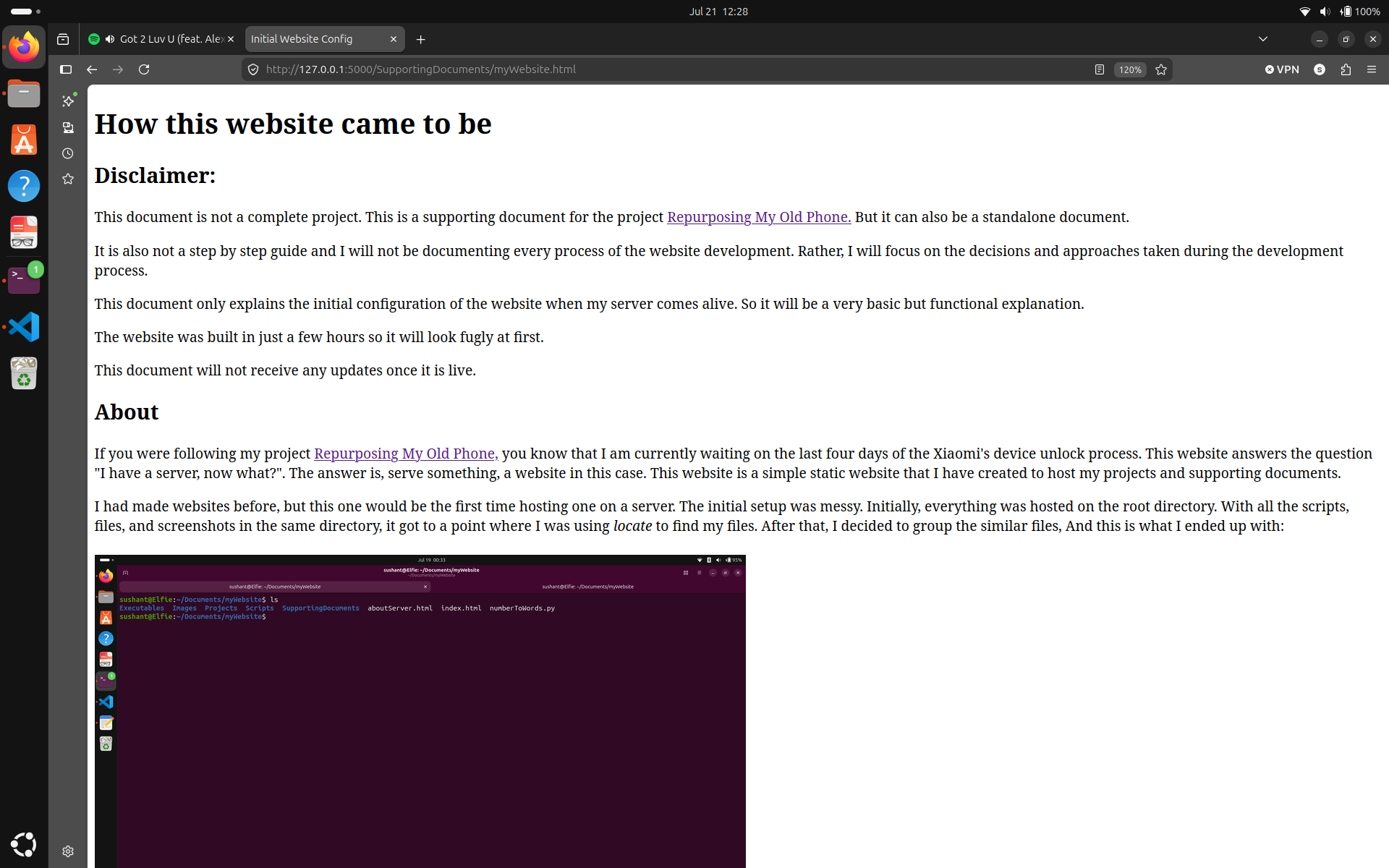
Initially, everything was hosted on the root directory. With all the scripts, files, and screenshots in the same directory, it got to a point where I was using locate(I use updatedbn locate more than find) to find my files.
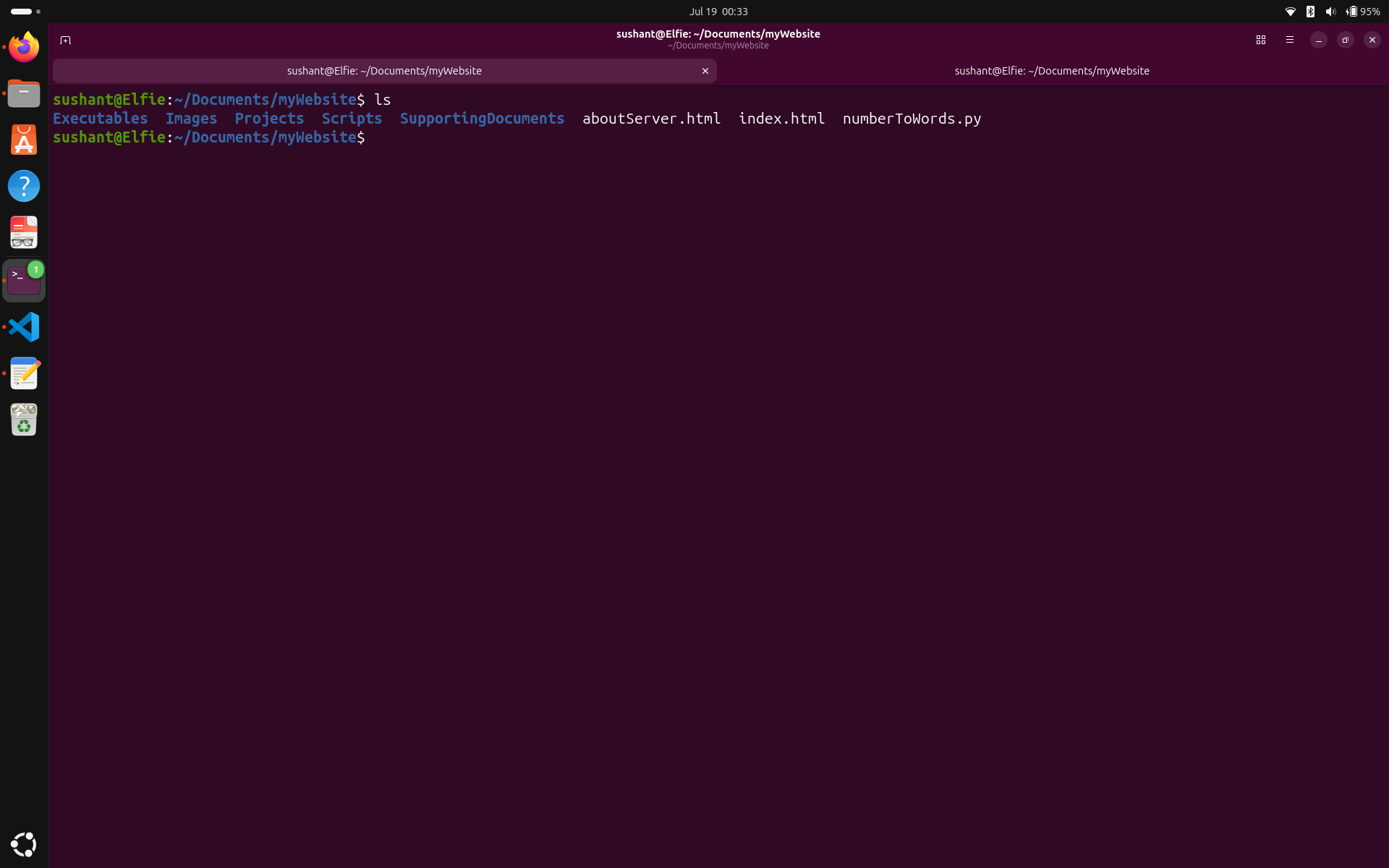
After that, I decided to group the similar files, And this is what I ended up with:
My logic was that, since index.html was used to serve the homepage, this should stay on the top, and everything should be beneath it. When I made this change, none of the pointers to my screenshots and videos worked.
Now instead of referring directly to the files, I had to refer to the files inside their folders. This was going okay untill I introduced an input ID and button on the project Numbers to Words.
This required me to take input from the user, process it on a back end server and return the output. Since my real server was still not ready, I decided to use flask, the python server to host the website locally on my laptop.
Here is the standard code I wrote for flask:
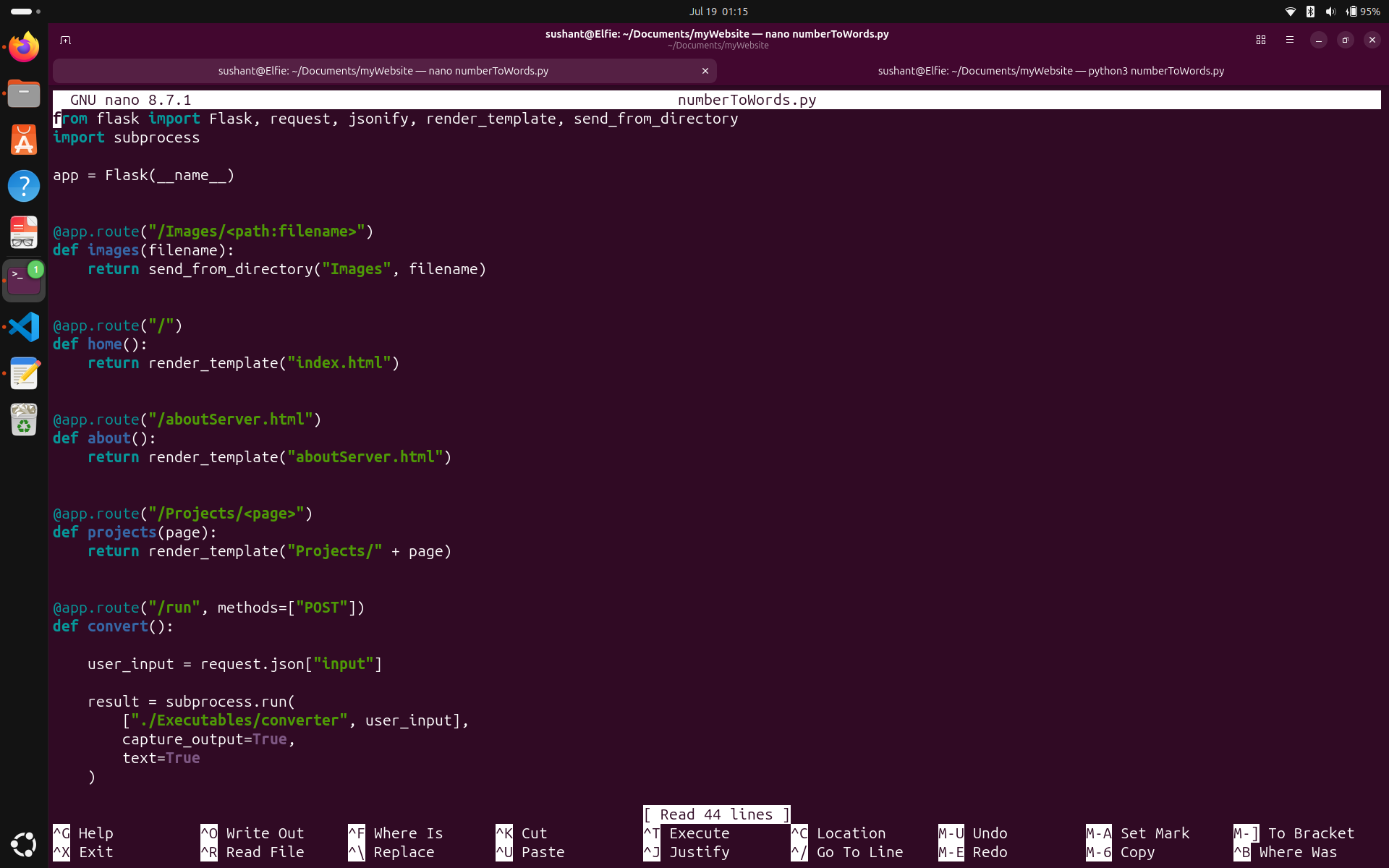
But it did not work the first time. The reason is that the standard directory structure has index.html inside the directory called templates.
I was very hesitant to move index.html because that would mean I have to go inside and change the all the pointers to my files. So, I modified the code to look for index.html in the same directory as the python script.
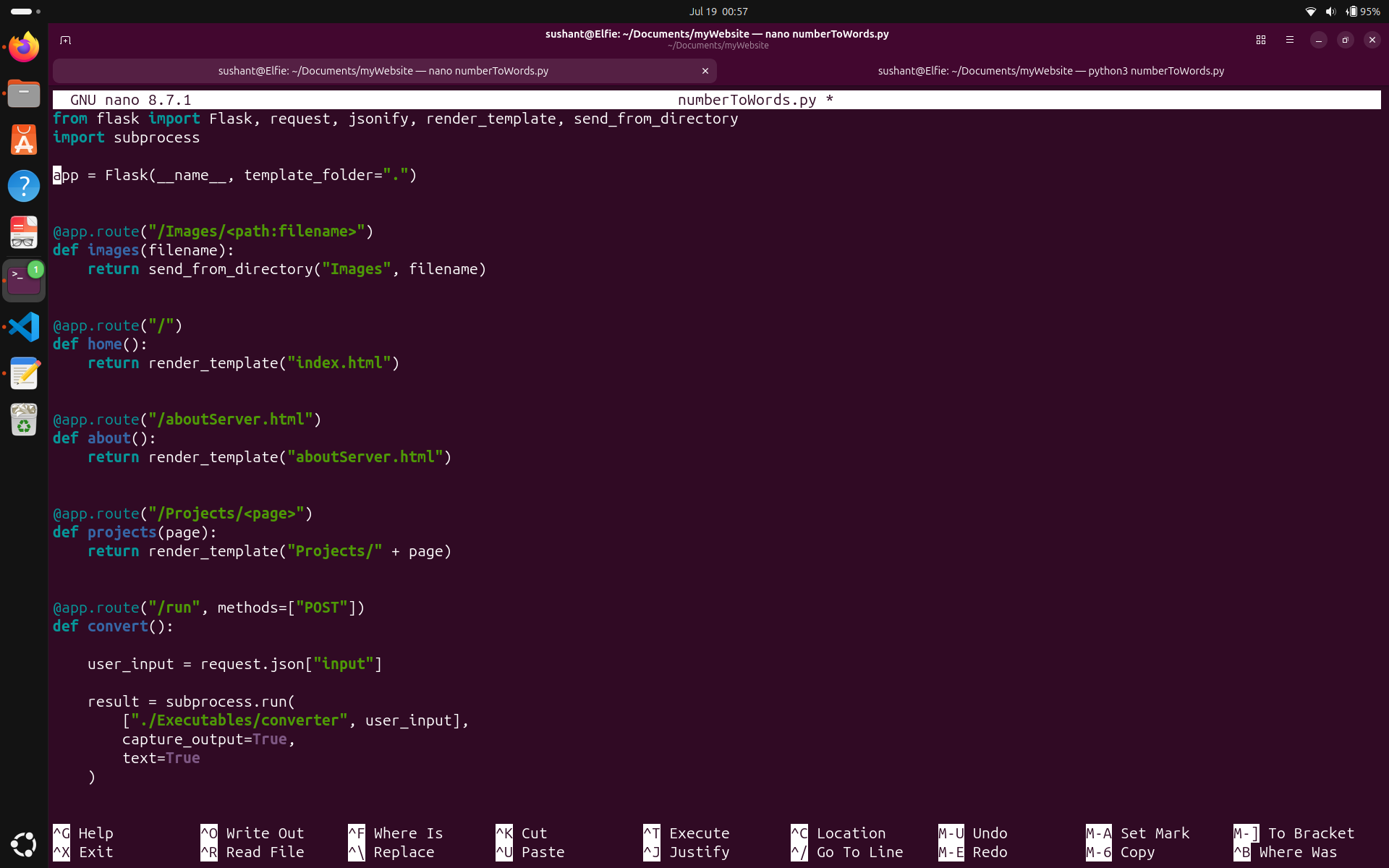
This did not sit well with me because it just meant added unneccesary work in the future, so I studied the standard for the directory structure for a website being hosted on a server and adapted it.
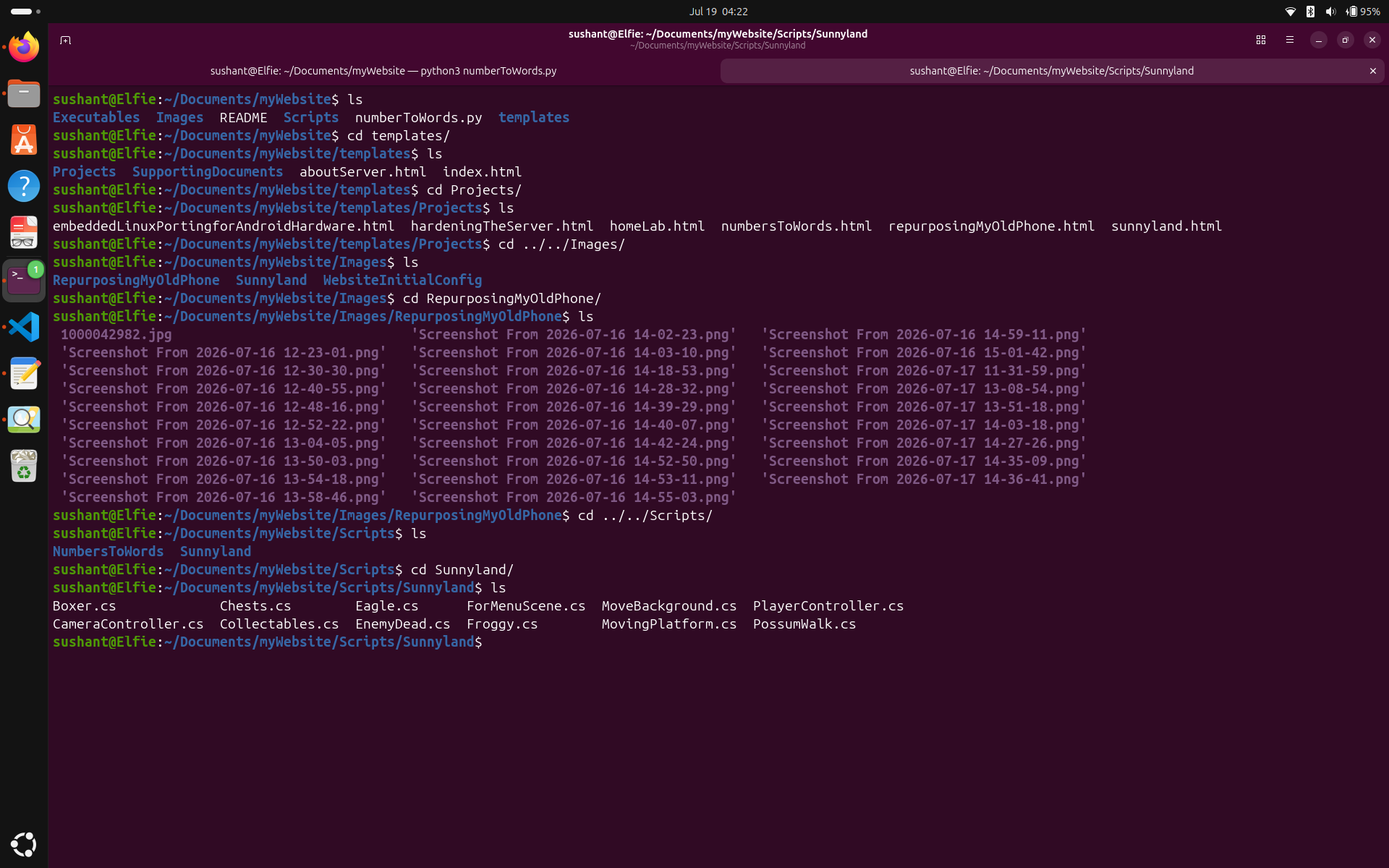
You can google it and study the file structure and start from a better place than me, but here is how my final directory structure looks.
The entire website was written using the most basic HTML syntax. I did not use CSS at all the first time. Couple things that were slightly complex than the rest of the website were the text field and button in the page Numbers to Words, and Index.
I am very much scared of injection and traversal attacks, so I'm highly limiting the attack surface by not making this website much interactable at least untill I harden the server and website. You can skip stuff like text fields, and just make a website where you can go to one page from another because it's a safer and easier goal.
You do have to write a little code for the server, but for a simple first website, it's just a matter of writing down the locations of folders so the server knows where your files are.
Here is the initial look of the website:
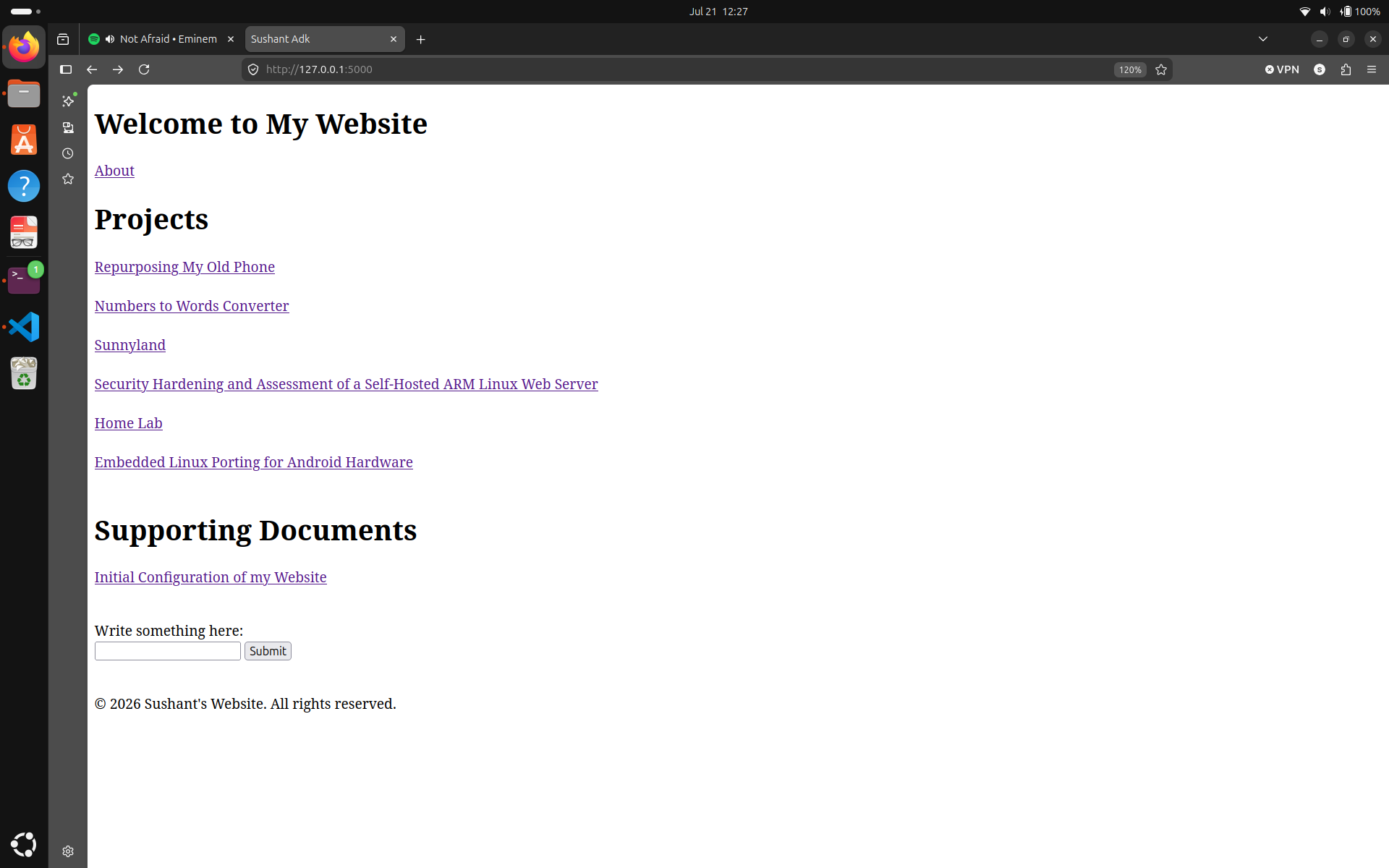
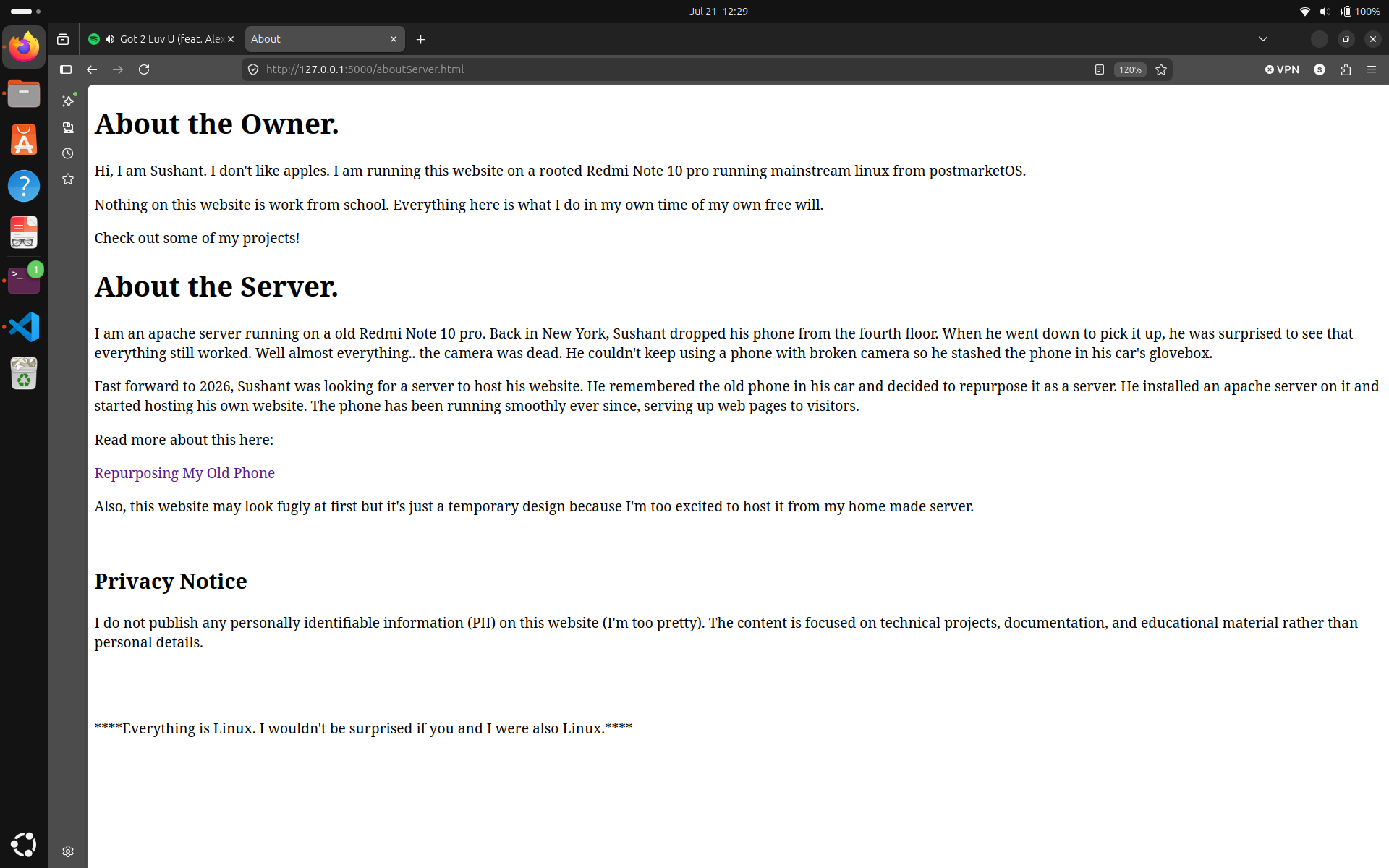
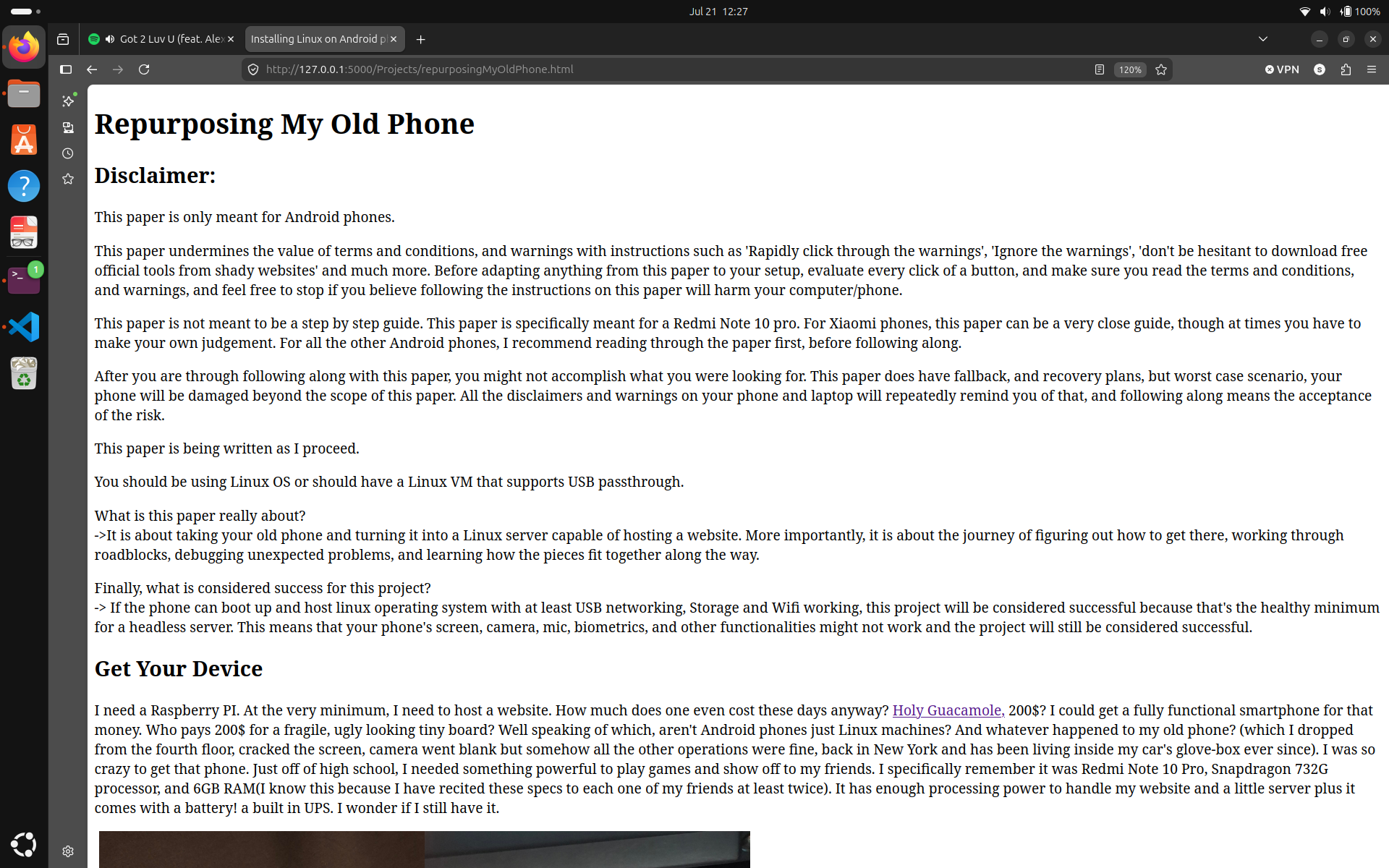
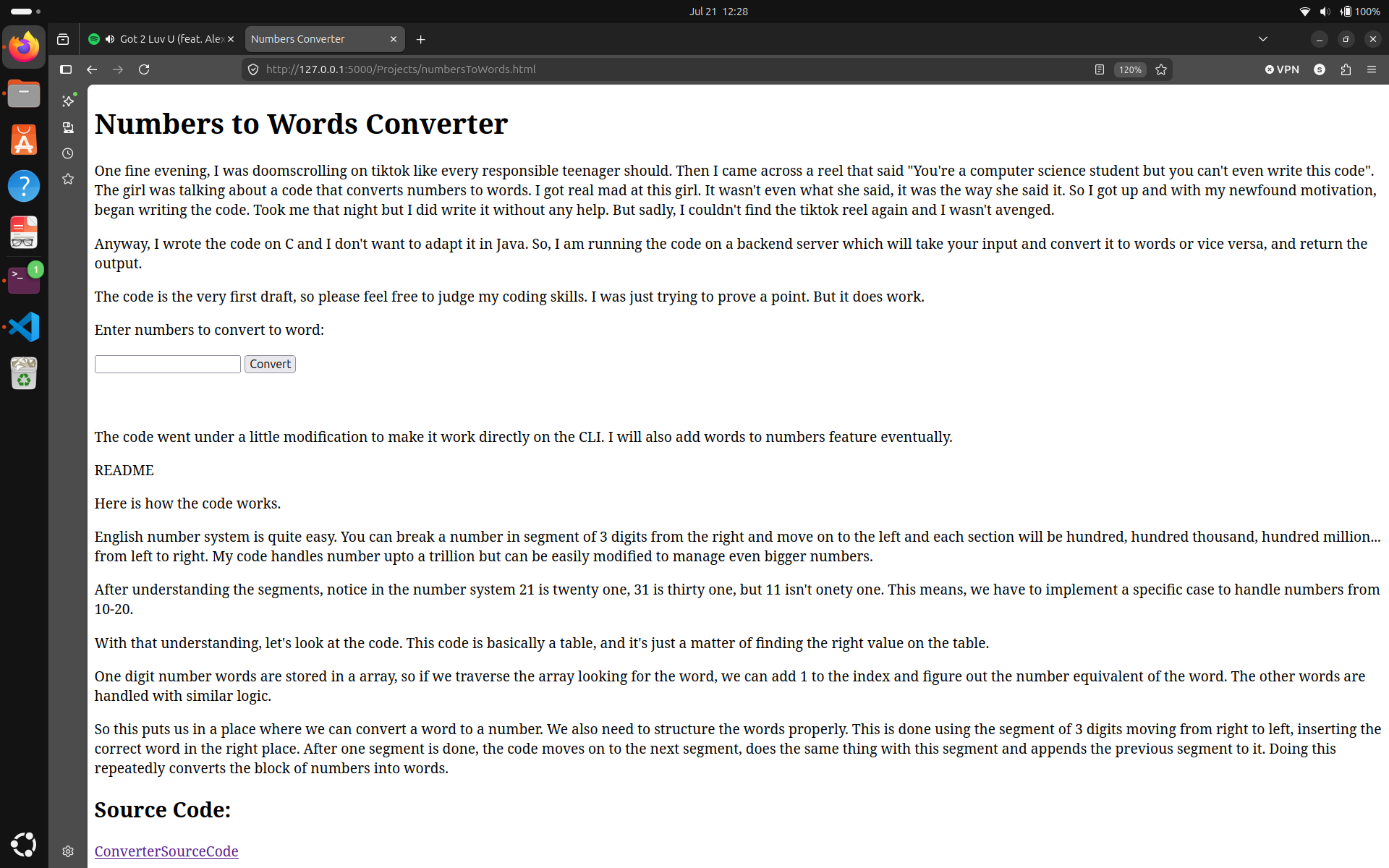
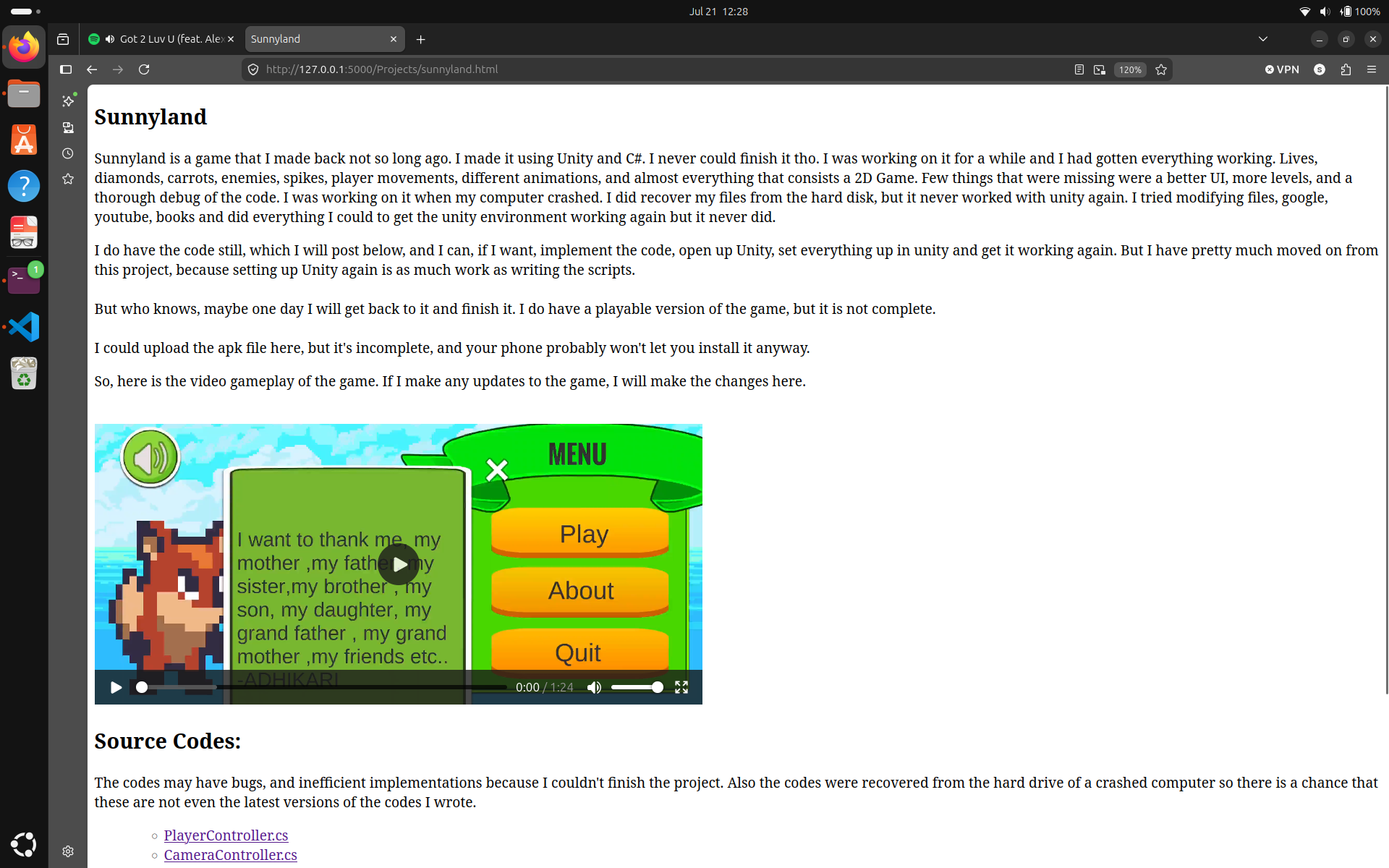
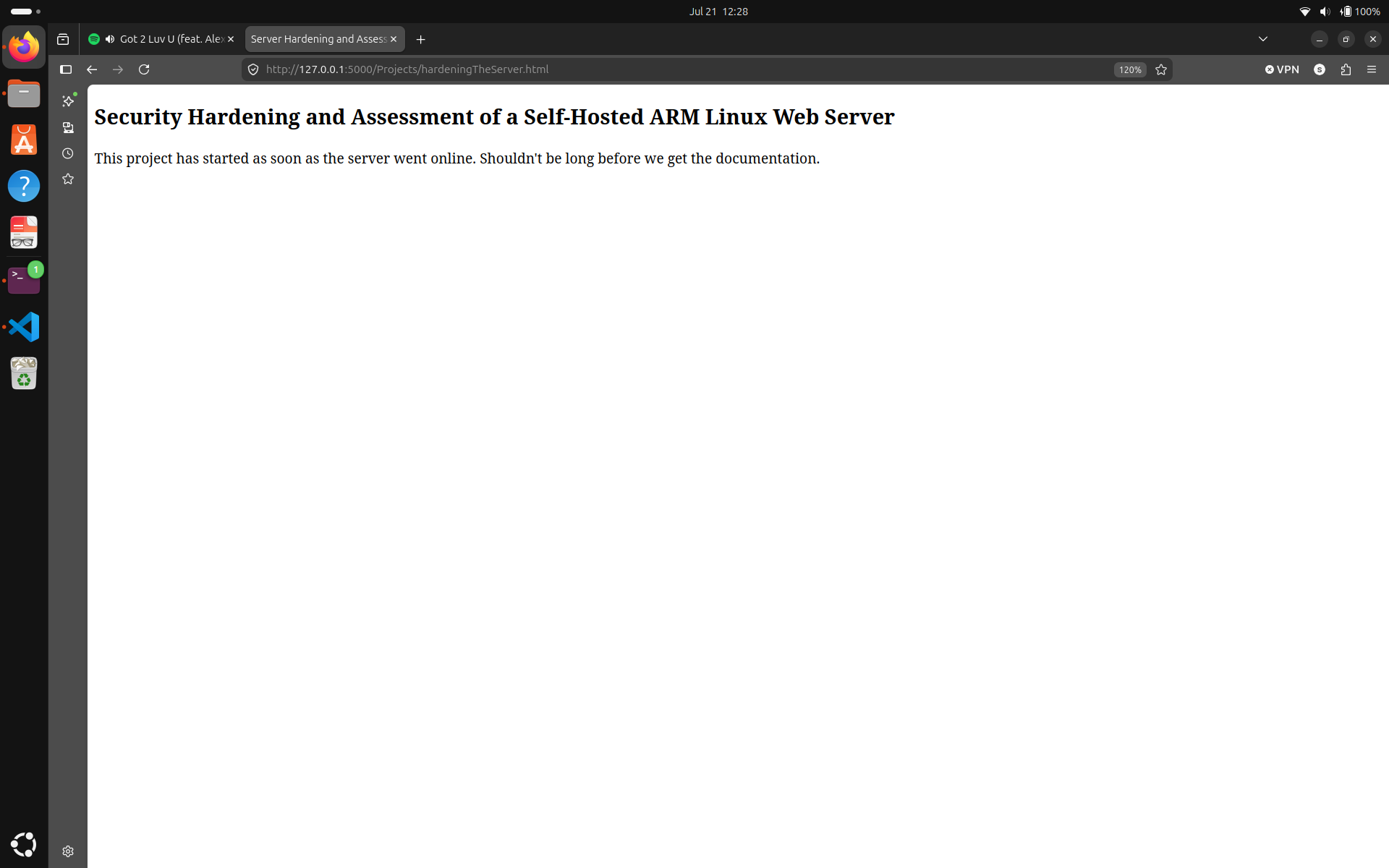
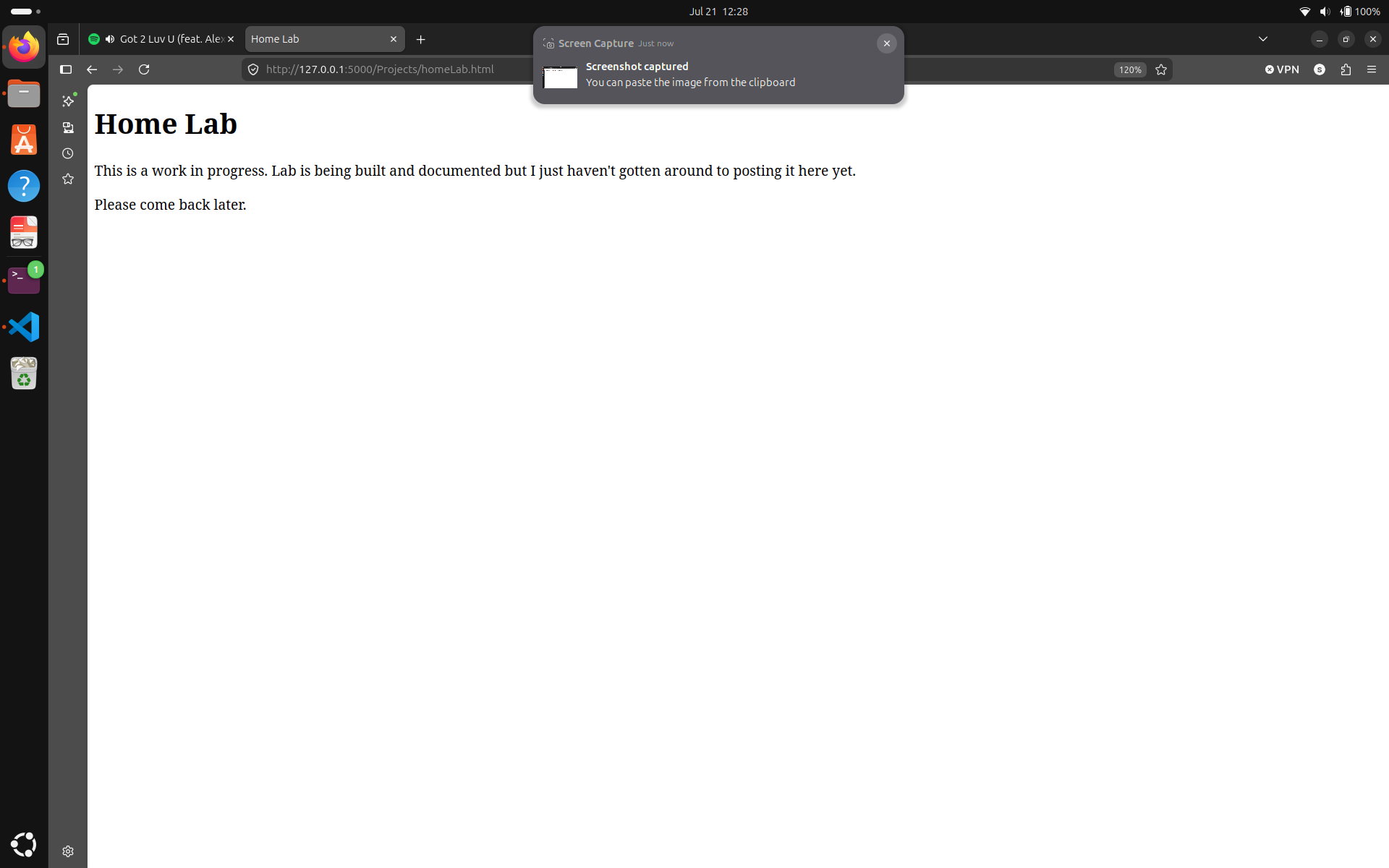
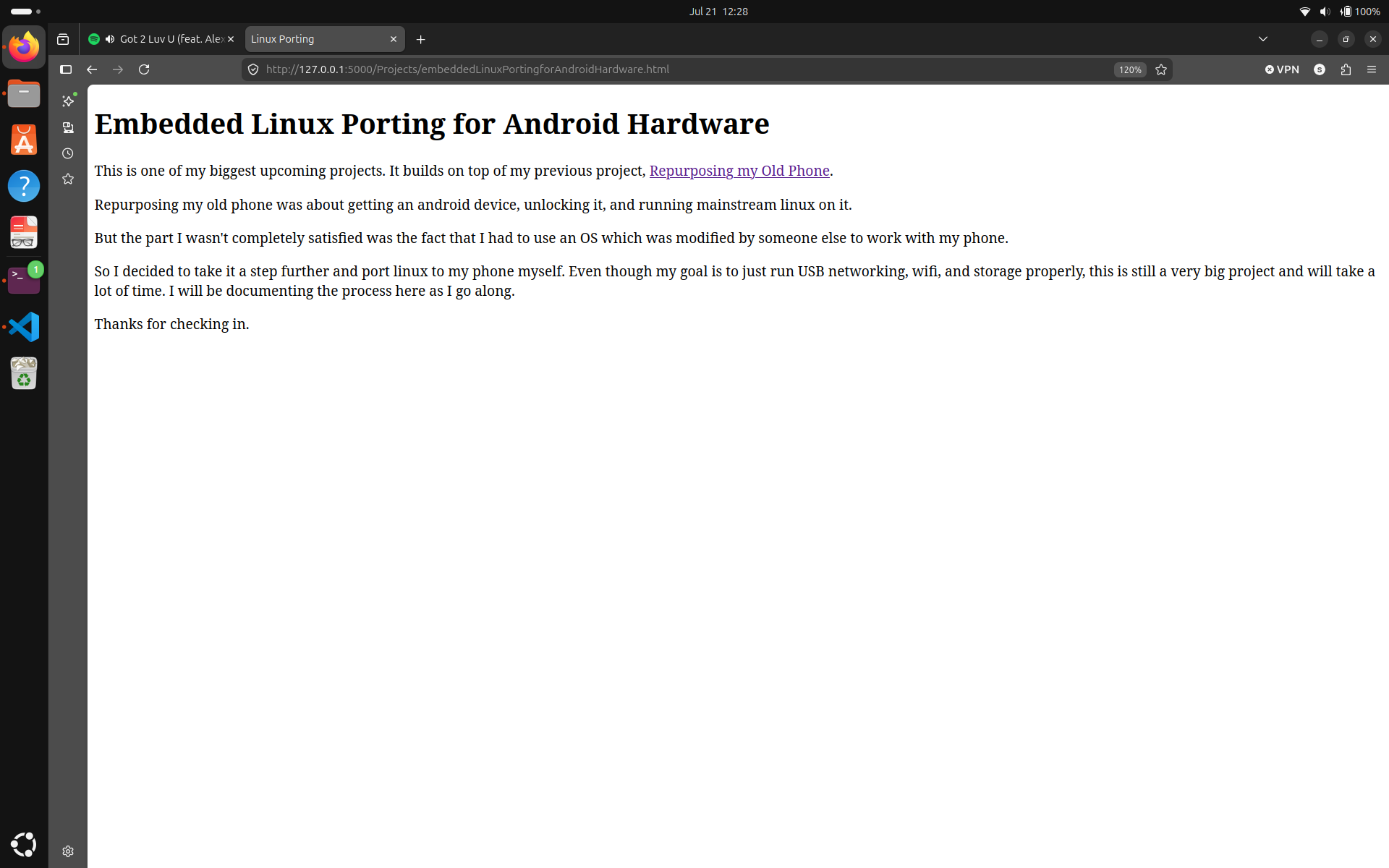
You may notice that in the screenshots, I am running this website on a local server (flask). I am doing this because if the website works okay on the local server, I shouldn't get too many headaches when I transition them to my phone server. Also in the screenshots, I am claiming the server is already up and runnning even tho the phone hasn't even been unlocked yet. But like I said, I like to overcommit. Plus, I'm bored.
You can make something like this, a little better maybe, or a little lighter, it doesn't matter. The main goal is to serve something on our new server. Also, how your files are structured matters more than how your website front looks. You might have a very messy file structure, which is unsustainable, and becomes unmanagable as your website grows. So just follow the standard directory structure for commonly used servers, and you can also take it one step further by maintaing the clean structure throughout all directories.
Just do it. You don't have to have a ton of projects and content to show off the moment your server goes online. Just make sure that you have something to serve from your server once it goes live.
I don't have a lot of projects either, I just got some old ones, the ones I'm currently working on, and some upcoming ones. But I hope that you and I, we can change that.